







Buy and compare Valorant accounts from multiple regions
Explore the Valorant marketplace to find accounts suited for jumping into competitive play, practicing new agents, or trying a different region. Today’s live selection focuses on Accounts, with options from Turkey (TR), North America (NA), and Europe (EU). All current listings use manual delivery, and the observed price range on this page is $9.99–$9.99 at the time of review. Availability and pricing can change as sellers update their offers.
Additional categories (Boosting and Other) are enabled for this game but currently have no live listings. If you are comparing options across categories, check back periodically as new offers may appear.
What you can buy here
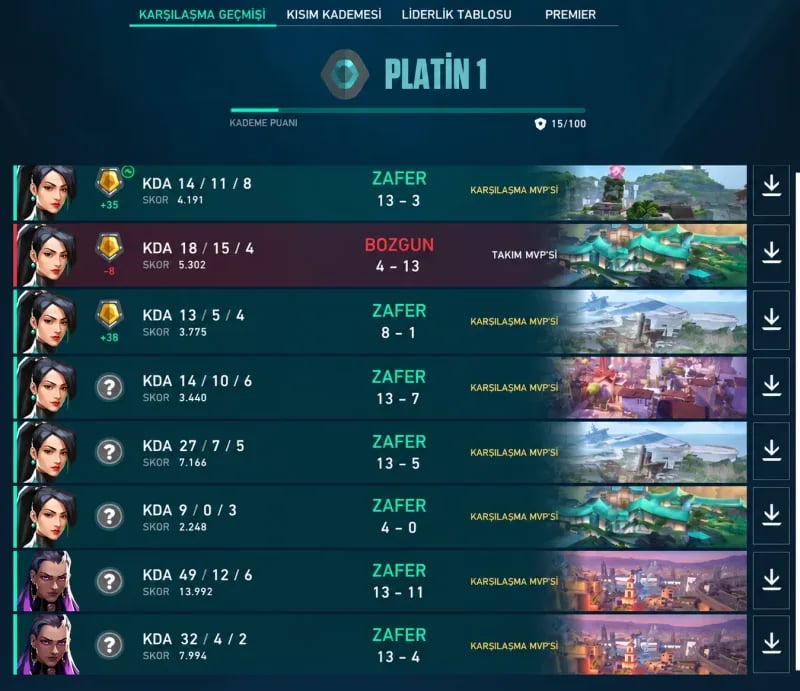
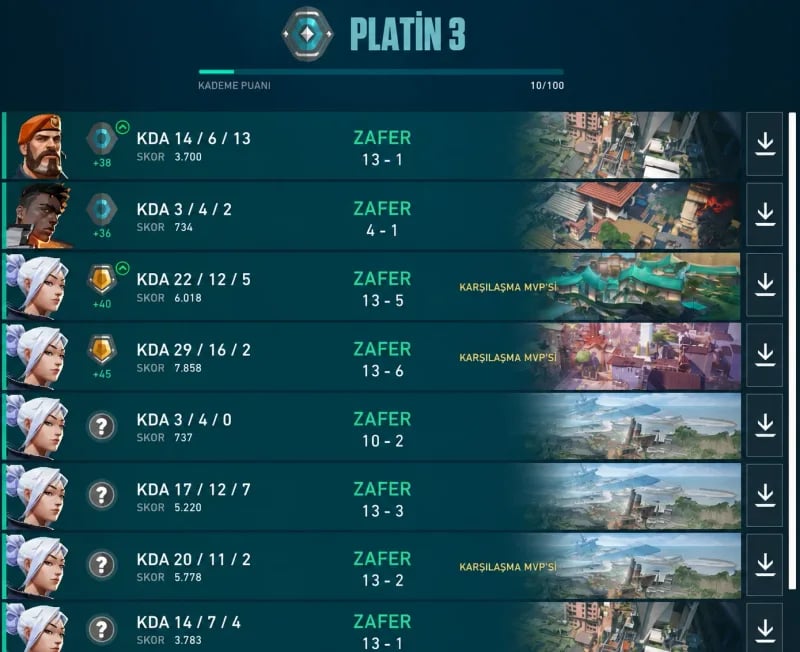
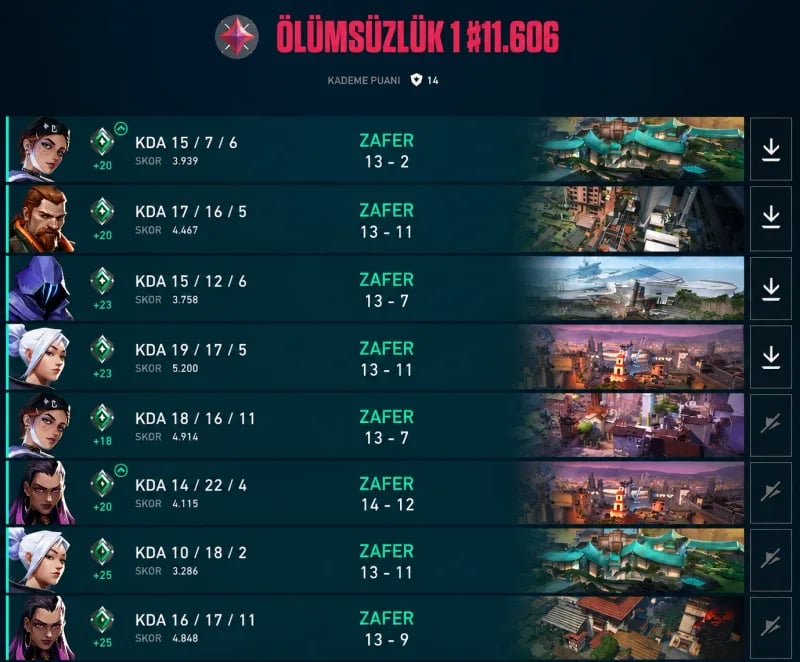
The live Accounts listings emphasize ranked-ready profiles in common regions. In Valorant, access to Competitive typically requires an account level of 20 or higher, so many sellers highlight level and region to help you assess eligibility for ranked queues. While cosmetic inventories, ranks, or previous competitive history may be mentioned in some offers, always review the listing details carefully to understand exactly what is included.
- Regions represented: TR, NA, EU (verify the region lock or shard selection aligns with where you plan to play).
- Common buyer goals: access to Competitive, a separate “smurf” account, or a region-specific profile for queue times and ping.
- Observed delivery method: manual (the seller shares credentials or coordinates handover after purchase).
- Observed pricing window: $9.99–$9.99 across current live listings on this page.
Because offers can vary by access level and account history, read each listing’s inclusions, any stated limitations, and the seller’s notes about verification or credentials.
How manual delivery typically works
All currently live Valorant account listings use manual delivery. While exact steps can vary by seller, most manual deliveries follow a similar flow:
- After checkout, you’ll receive a message through the marketplace or the seller’s specified contact method.
- The seller provides the account login details (usually a Riot account email/username and password) or arranges a coordinated handoff.
- You verify access by logging in. Do this promptly and report any issues through the marketplace channel.
- If the listing states you may update security settings, consider changing the password and enabling two-factor authentication on the linked email and Riot account, where applicable.
Only take post-purchase steps that are allowed by the listing and applicable terms. If a seller restricts changes (for example, no email change), follow their instructions to avoid losing access.
Key checks before you buy
To reduce surprises, compare listings using the same checklist. Focus on the items that affect your ability to play where and how you intend:
- Region and shard: Confirm the account’s region (e.g., TR, NA, EU). Region affects ping, queue times, and sometimes name availability. Re-regioning may be limited.
- Ranked eligibility: Check the listed account level. Valorant typically requires level 20+ for Competitive. If the listing claims ranked access, verify that the level meets this threshold.
- Login and recovery details: Understand what credentials you’ll receive (email access vs. login only). Accounts tied to an original email can sometimes be recovered by the original owner. Assess any recovery risk noted by the seller.
- Security settings: Clarify if you can change the password, linked email, and enable two-factor authentication. If changes are not allowed, know how that affects long-term control.
- Previous penalties: Ask about prior bans, chat restrictions, or competitive penalties. Valorant’s anti-cheat (Vanguard) can enforce hardware or account actions that affect play.
- Purchase history and currency: If cosmetics or Valorant Points are mentioned, note region-specific pricing and whether the account has prior billing activity that could complicate payment verification.
- Riot ID and name changes: Check whether a Riot ID change is available or on cooldown if display name matters to you.
When in doubt, message the seller with direct questions before you purchase. Clear answers about access, region, and permitted changes make it easier to compare offers.
Compatibility and policy notes
Valorant accounts are Riot accounts. Policies and regional rules can affect how an account is used, moved, or secured. Keep these points in mind:
- Terms of Service: Using or transferring accounts may be restricted by the game’s Terms of Service. Review current policies from Riot and proceed accordingly.
- Region restrictions: Some features, pricing, or content can be region-specific. Moving an account between regions may be limited or require support steps that are not always available.
- Verification requirements: Certain features (including Competitive or communications) may require verified email, phone, or both. Confirm what is already set up and what you are allowed to change.
- Anti-cheat considerations: Vanguard may enforce bans based on behavior or detected cheating. Ensure you understand any history the account may have and how that could impact future play.
If your goal is a long-term profile, prioritize listings with transparent credential details and clear guidance on what changes are permitted after purchase.
How to compare current listings
With multiple region options at the same observed price point, the differentiators are usually access details and risk profile. Use this simple comparison approach:
- Start with region + ranked eligibility: pick the region you plan to play and verify the account level meets Competitive requirements.
- Confirm what you receive: login only or login plus email access; whether password and email changes are allowed; and any cooldowns on Riot ID changes.
- Check seller notes on history: prior bans, behavioral penalties, or unusual activity that could affect access.
- Review post-purchase steps: how delivery will occur, what you must do on first login, and how to report issues through the marketplace.
As inventory changes, revisit this page to see new listings or categories as they go live. For a quick overview of what’s available now, browse the Accounts section on this page and read each offer’s inclusions before you commit.